
Build Your First Website.
Build your first website in 4 easy steps: try the free demo, set it up for real, add hosting & a domain, then access your hosting control panel. Beginner-friendly.
Build Your First Website: Complete Beginner Series (Part 1–4)
Follow this free 4-part video series to go from a blank page to a real, live website no experience needed. Watch in order: try the free sitebuilder demo, set up your real site, add hosting and a domain, then log in to your hosting control panel for the first time. Ready to get started?
This series walks you through every step:
Part 1: Finding the Free Sitebuilder Demo — try it before you commit to anything
Part 2: Setting Up Your Real Website — turn the demo into the real thing
Part 3: Shared Hosting & Domain Example — get your website ready to go live
Part 4: Accessing Your Hosting Control Panel — what to expect once you're hosted
Part 1: Finding the Free Sitebuilder Demo — try it before you commit to anything
Part 2: Setting Up Your Real Website — turn the demo into the real thing
Part 3: Shared Hosting & Domain Example — get your website ready to go live
Part 4: Accessing Your Hosting Control Panel — what to expect once you're hosted
Whether you are starting a personal site, a small business website, or just want to finally get your idea online, follow these videos in order, and you will have a real, working website by the end.
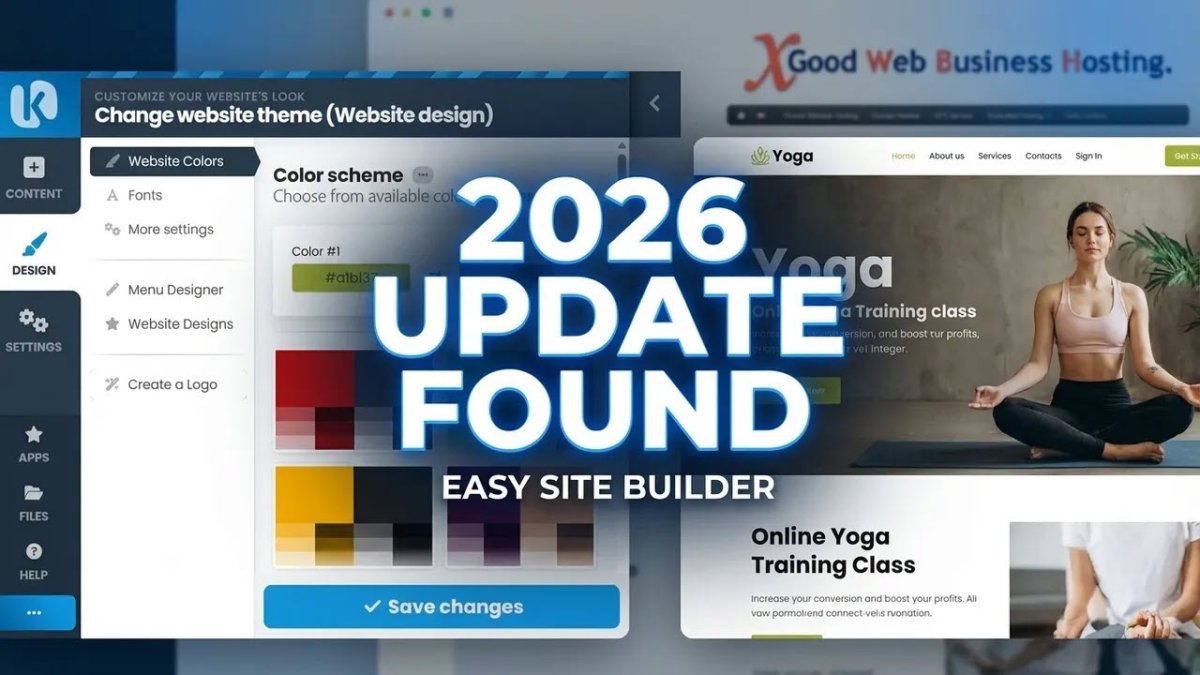
Build Your First Website Part 1.
Finding the Free Sitebuilder Demo, try it before you commit to anything
Build Your First Website PART 2.
Setting Up Your Real Website: Turn the demo into the real thing.
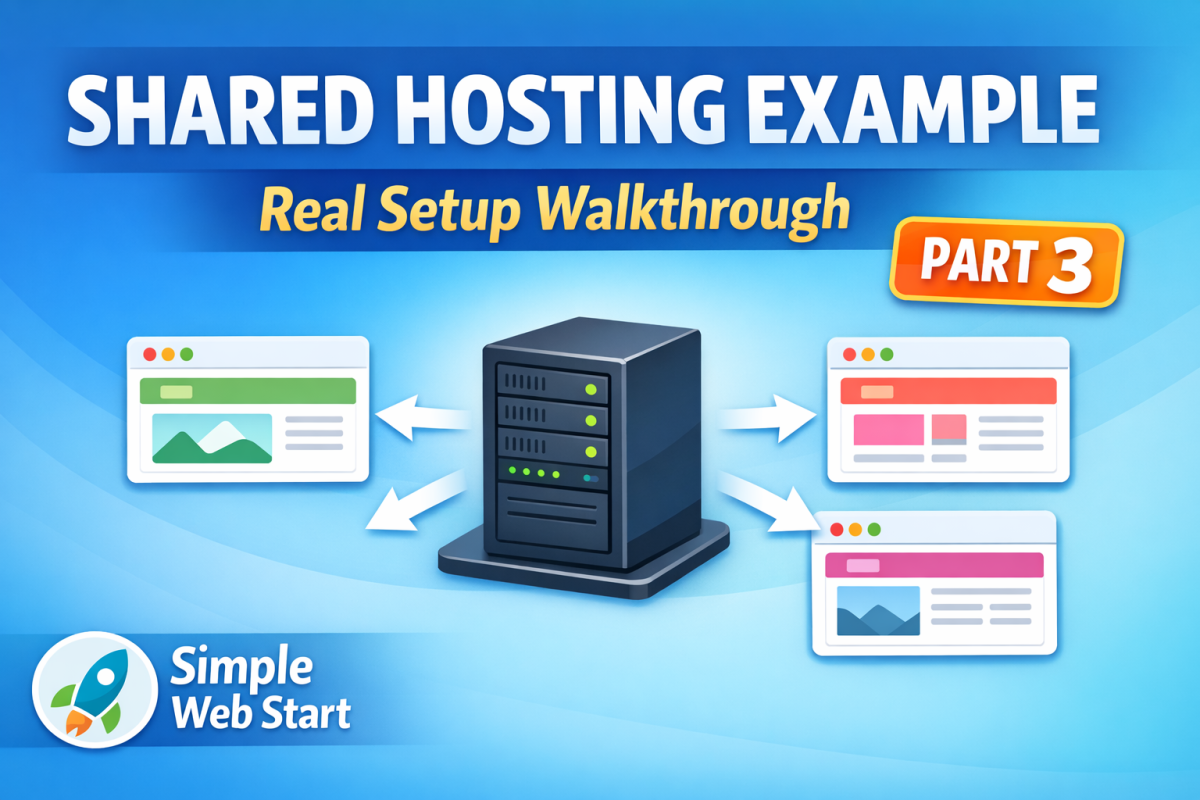
Build Your First Website Part 3.
Shared Hosting & Domain Example: Get your website ready to go live
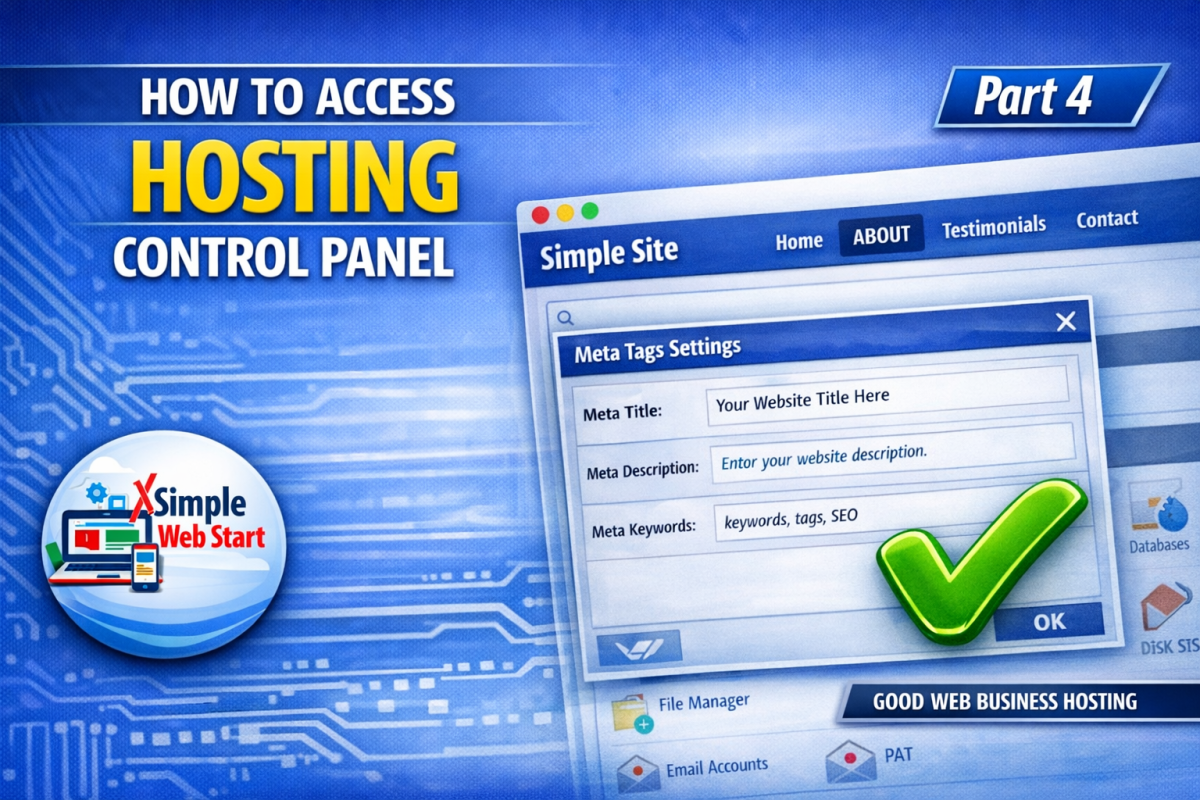
Build Your First Website PART 4.
Accessing Your Hosting Control Panel: What to Expect Once You Have Hosted.