
How To Create Subdomain.
Learn how to create a subdomain step by step. Perfect for beginners wanting a safe space to build demos or practise without touching their main website.
How To Add A Subdomain Using Demo Control Panel.
In the video lesson below,
I show you how to create a subdomain step‑by‑step.
You will see where to find the demo control panel, how to add your subdomain, how to locate it once it’s created, and where to add the SSL certificate if needed.
Follow the video to find the Demo Control Panel, open Domains, choose Create Subdomain, and enter the name you want, like test.yourdomain.com. Once added, scroll down to see it listed and explore the tools available. If your new subdomain needs SSL, simply click Add SSL, then Encrypt and Activate.
That’s all there is to it, a quick, simple way to set up a subdomain.
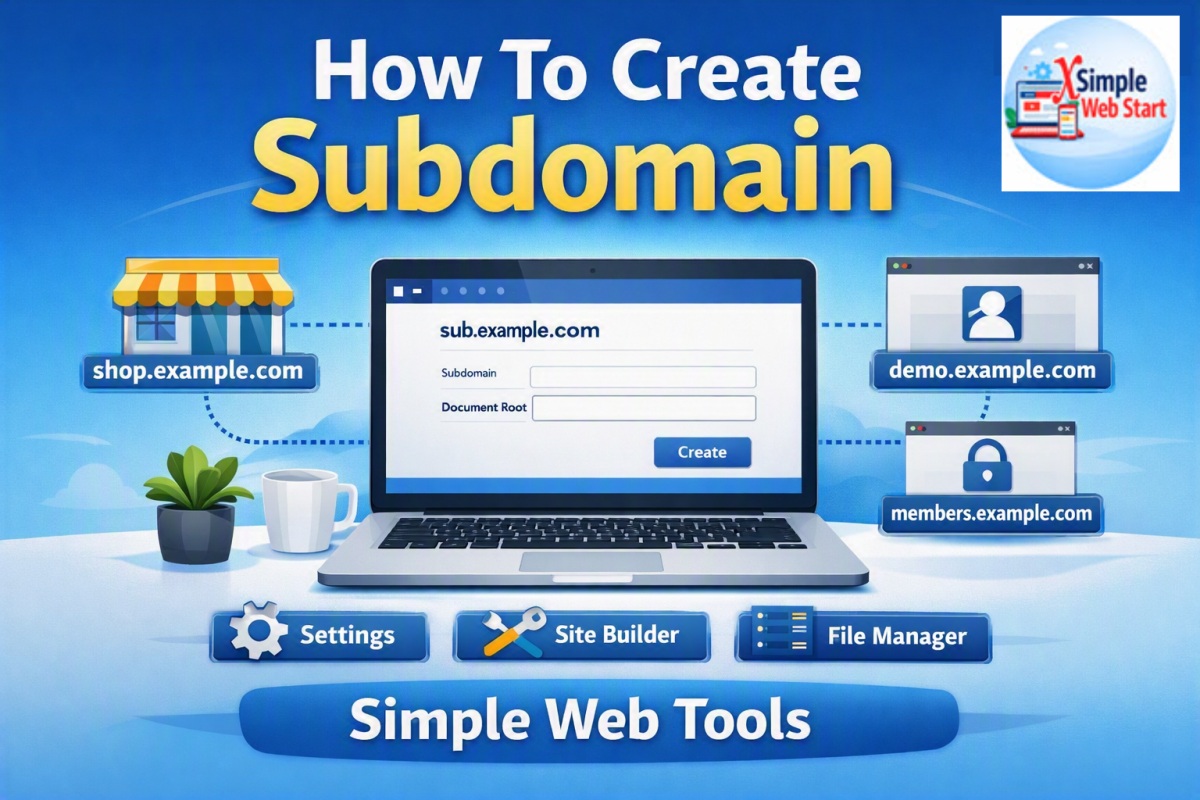
How To Create Subdomain for beginners.
This video will take away all the frustration of creating a subdomain and how to make it secure.
Simple Video Lesson For How To Create Subdomain Resources.
You can use the tools below and learn more.
Take Your Very First Simple Step.
Take Your Very First Simple Step.
- Get Started With The Demo Control Panel and practice by following the video above.
- If you get stuck and need help, use the contact button above or below, or use the FAQs
Back To Simple Video Lessons.