
How To Set Up A Simple Website.
How to set up a beginner website the simple way. Learn, Practise, Build, Control. Easy-to-follow article with practical, friendly steps to get you online.
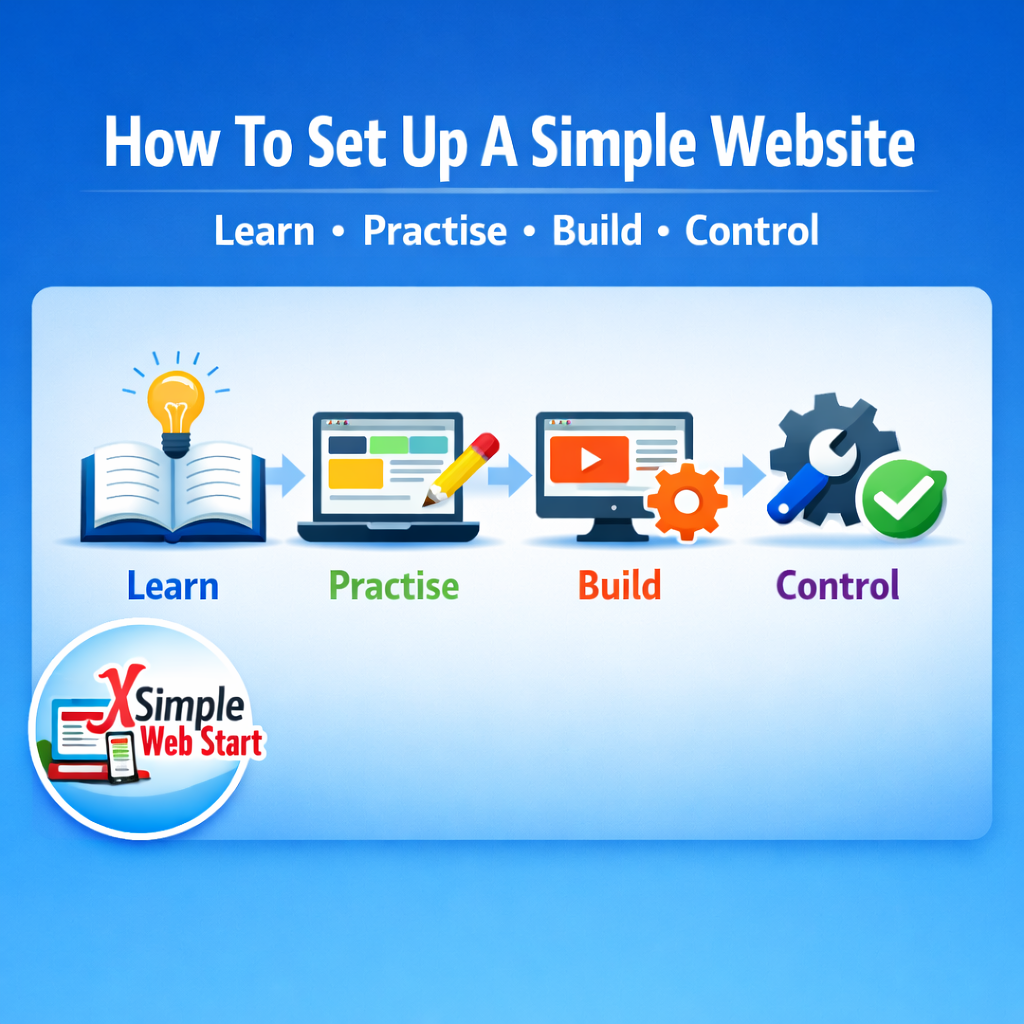
Learn, Practise, Build, Control.
Simple Web Start Learn, Practise, Build, Control.
Creating your first website doesn’t need to be confusing. With Simple Web Start, everything is broken down into four clear steps designed for complete beginners.
You learn the basics, practise safely, build with confidence, and control your site in a panel made for people who are brand new to websites.
This guide walks you through the full process in a calm, simple way, no jargon, no pressure, just clear steps you can follow at your own pace.
You learn the basics, practise safely, build with confidence, and control your site in a panel made for people who are brand new to websites.
This guide walks you through the full process in a calm, simple way, no jargon, no pressure, just clear steps you can follow at your own pace.
1. Learn, Practise, Build, Control.
Before you start building, it helps to understand the basics:
- What a website is.
- How pages work.
- What do a domain and hosting do?
- How a sitebuilder helps you create everything.
2. Practise in Our Simple Web Start Sitebuilder Demo.
Most beginners want to try things out before committing, and that’s exactly what the Try our free sitebuilder demo is for.
In the free sitebuilder demo,
You can:
- Add text and images
- Try layouts
- Create pages
- Explore menus
- See how a real website fits together
3. Build with Our Helpful Simple Video Lessons.
Once you’re comfortable, you can start building your real website with the help of our Simple video lessons.
Each video covers one small step:
- Opening the builder
- Choosing a layout
- Adding your first content
- Creating a homepage
- Making extra pages
- Publishing your site
It’s like having someone sitting next to you, guiding you through every click.
4. Control Everything in Our Beginner‑Friendly Control Panel.
When your website is ready, you can manage it through a simple control panel designed for beginners.
You can:
- Access your sitebuilder
- Manage your domain
- Check your hosting
- Add email accounts
- Make backups
- Update your website anytime
Why This Method Works.
This four‑step approach is built for beginners who want clarity, confidence, and a calm learning experience.Learn → Practise → Build → Control
It’s the simplest path to creating your first website without stress.
Search engines also love this structure because it’s clear, helpful, and answers the exact questions beginners search for, making it ideal for SEO and long‑term indexing.
Final Thoughts.
Setting up a simple website doesn’t have to feel overwhelming.
When you learn the basics, practise safely, build step‑by‑step, and stay in control, everything becomes clear and manageable.
Simple Web Start is here to guide you through each stage at your own pace, with friendly tools and lessons designed for complete beginners.
When you’re ready, you can take the next step and start building your own website with confidence.
About the Author.
GC is the creator of Simple Web Start and Good Web Business Hosting, helping beginners build websites with clear, step‑by‑step tutorials. Based in Lincolnshire, UK, he focuses on simple, friendly guidance that makes website building easy for everyone.
GC is the creator of Simple Web Start and Good Web Business Hosting, helping beginners build websites with clear, step‑by‑step tutorials. Based in Lincolnshire, UK, he focuses on simple, friendly guidance that makes website building easy for everyone.
Website Learning Area Question.
Do you need easy, affordable hosting?
I provide simple, fixed‑price hosting with a friendly sitebuilder and real support to help beginners get started without stress.