
How To Block IP Addresses.
Find out how to block IP addresses on your beginner's website. This video resource explains below how to do it in a simple, helpful way and in a few steps.
Simple Web Start Block IP Addresses.
In this video, I show you exactly where to find the Demo Control Panel so you can practise everything safely before working on your real website. Once inside, we go to the Advanced button, where you’ll find the IP Blocking tool.
From there, I walk you through how to block an IP address or even a whole country. You will see how to select your hostname or a specific path, enter the IP address you want to block, or choose a country from the list.
When you’re ready, just click Block IP Address, and it will be added to your blocked list instantly. It’s a simple way to protect your website and control who can access it.
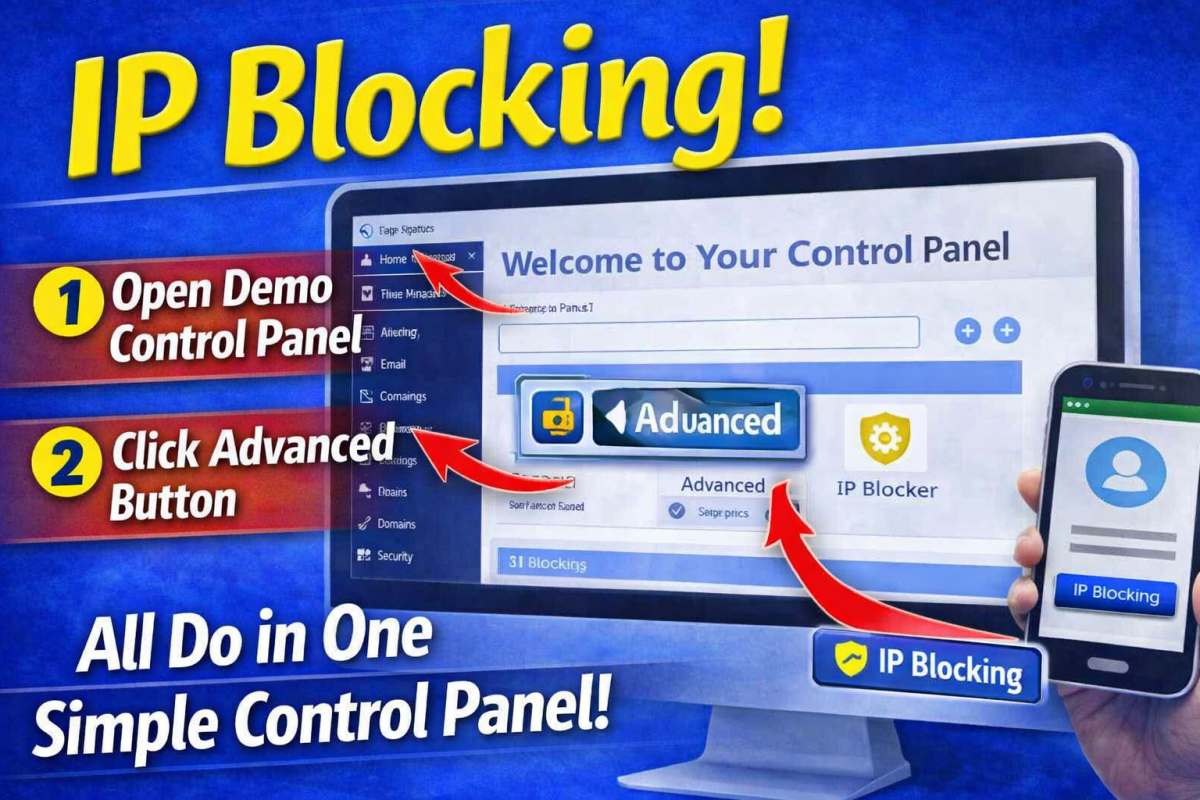
How To Block IP Addresses.
This video will help you understand how to block IP and Country Addresses.

Simple Video Lesson For Block IP Addresses Resources.
You can use the tools below and start a simple web page.
Take Your Very First Simple Step.
Take Your Very First Simple Step.
- Get Started With The Free Demo Sitebuilder and practice by following the video above.
- If you get stuck and need help, use the contact button above or below, or use the FAQs
Back To Simple Video Lessons.